
Explore the precision, comfort, and responsiveness of optical mice, their technology, advantages, and how to choose the right one for your needs.
Exploring Optical Mouse Technology: Precision, Comfort, and Response
The advent of optical mouse devices marked a significant leap forward in computer input technology, offering users unparalleled precision, ergonomic comfort, and responsive tracking over traditional ball-based mice. This article delves into the mechanics of optical mice, highlighting their design and functionality, and why they have become the preferred choice for both casual users and professionals alike.
Understanding Optical Mouse Mechanics
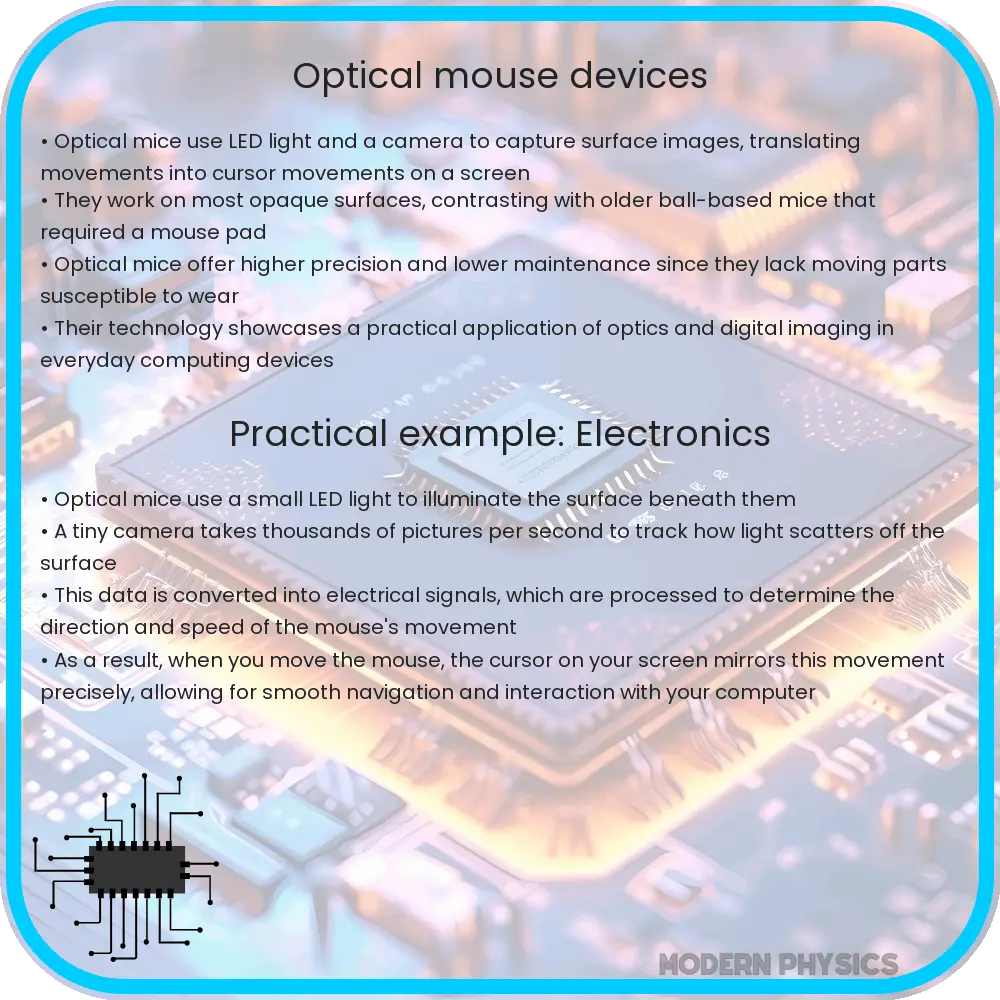
At the heart of an optical mouse is an advanced optical sensor and a light-emitting diode (LED). This configuration captures thousands of snapshots per second of the surface on which the mouse operates. The onboard digital signal processor (DSP) then analyzes these images to detect surface patterns and changes, calculating the mouse’s movement with high accuracy. This process enables the device to translate physical movements into cursor movements on the screen with exceptional precision.
Advantages of Optical Mouse Devices
- Precision Tracking: Optical mice offer superior tracking accuracy compared to their mechanical counterparts. They can detect minute movements and provide smoother cursor navigation, making them ideal for tasks requiring precision, such as graphic design and gaming.
- Low Maintenance: Without moving parts like the ball in traditional mice, optical mice are less prone to wear and tear. They don’t accumulate dust and debris, which translates to lower maintenance and longer lifespan.
- Comfort and Ergonomics: Modern optical mice are designed with ergonomics in mind. Their shapes are tailored to reduce wrist strain during extended use, making them more comfortable for users.
- Surface Versatility: Unlike ball mice that require a mouse pad to operate effectively, optical mice can function on various surfaces, including wood, plastic, and even cloth, offering greater flexibility to users.
Technological Enhancements
Technological advancements have further refined optical mouse devices, introducing features like adjustable DPI (dots per inch) settings for more precise control and customizability. Additionally, developments in wireless technology have made optical mice even more convenient, eliminating the need for cords and providing users with a clutter-free workspace.
Optical mice have revolutionized the way we interact with computers, combining advanced technology with user-centric design to offer precision, comfort, and responsiveness. Their adaptability across different surfaces, coupled with low maintenance requirements, makes them a versatile choice for any computing task.
Enhancing User Experience with Customization
One of the key features that set optical mice apart from their predecessors is the level of customization they offer. Users can adjust settings such as sensitivity, scroll speed, and even program specific buttons to perform various functions. This customization extends the utility of the mouse beyond general computing, catering to gamers, graphic designers, and other professionals who require specific settings for optimal performance.
Wireless Optical Mice: The Future of Pointing Devices
Wireless technology has further liberated optical mice from the constraints of cables, providing users with more freedom of movement and a cleaner, more organized workspace. Advances in battery life and connectivity ensure that modern wireless optical mice are just as reliable and responsive as their wired counterparts. The integration of Bluetooth and RF technology has also broadened compatibility, allowing these devices to connect seamlessly with a wide range of computers and smart devices.
Choosing the Right Optical Mouse
With a myriad of options available in the market, selecting the right optical mouse boils down to personal needs and preferences. Factors to consider include the mouse’s DPI range for precision, the number of programmable buttons, ergonomic design for comfort, and whether a wired or wireless model suits your workspace best. For gamers, mice with high DPI settings and customizable buttons might be preferable, while professionals might prioritize ergonomics and reliability.
Conclusion
Optical mouse devices represent a pivotal advancement in computer input technology, blending precision, comfort, and responsiveness into a user-friendly interface. From their inception to the latest wireless models, these devices have continuously evolved to meet the changing needs and preferences of users. The precision tracking, low maintenance, and ergonomic designs of optical mice enhance productivity and comfort, making them a staple in both professional and casual computing environments. As technology advances, we can anticipate further innovations in optical mice, promising even greater accuracy, comfort, and user customization. In embracing these advancements, users can enjoy a more intuitive and efficient interaction with their digital world, underscoring the optical mouse’s role as an indispensable tool in the modern computing landscape.